
Diagnosis and evidence
A successful ScrinOps run stores a structured advisory diagnosis. Confidence is not certainty, and a hypothesis is not authorization to change infrastructure.
- Typical time
- 10–25 minutes
- You need
- A terminal diagnosis run
- Outcome
- A human-reviewed advisory finding
Step 1: Review Activity
Section titled “Step 1: Review Activity”Open a run and select Activity. The viewer shows backend-sanitized lifecycle events, timestamps, status, and final result. It exposes no command input, shell, raw prompts, secrets, provider logs, or unrestricted model output.
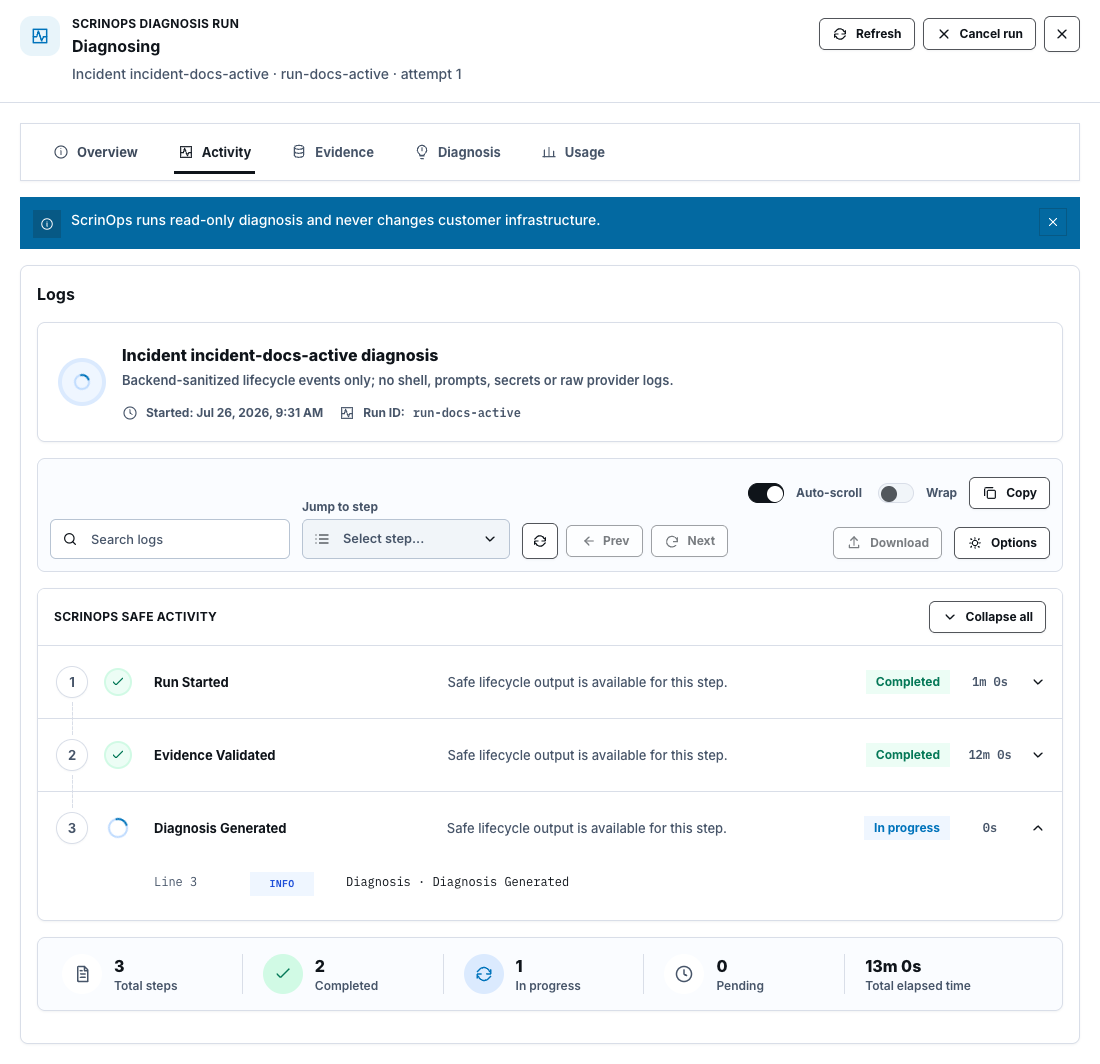
Missing activity does not mean nothing happened. Refresh the authoritative run snapshot and note any event-readback gap.
Step 2: Confirm Evidence availability
Section titled “Step 2: Confirm Evidence availability”Select Evidence. Match the run’s referenced manifests to:
- source type;
- ready, degraded, unavailable, or expired state;
- record count and stored size;
- redaction and truncation state;
- shortened digest; and
- collection and expiry time.
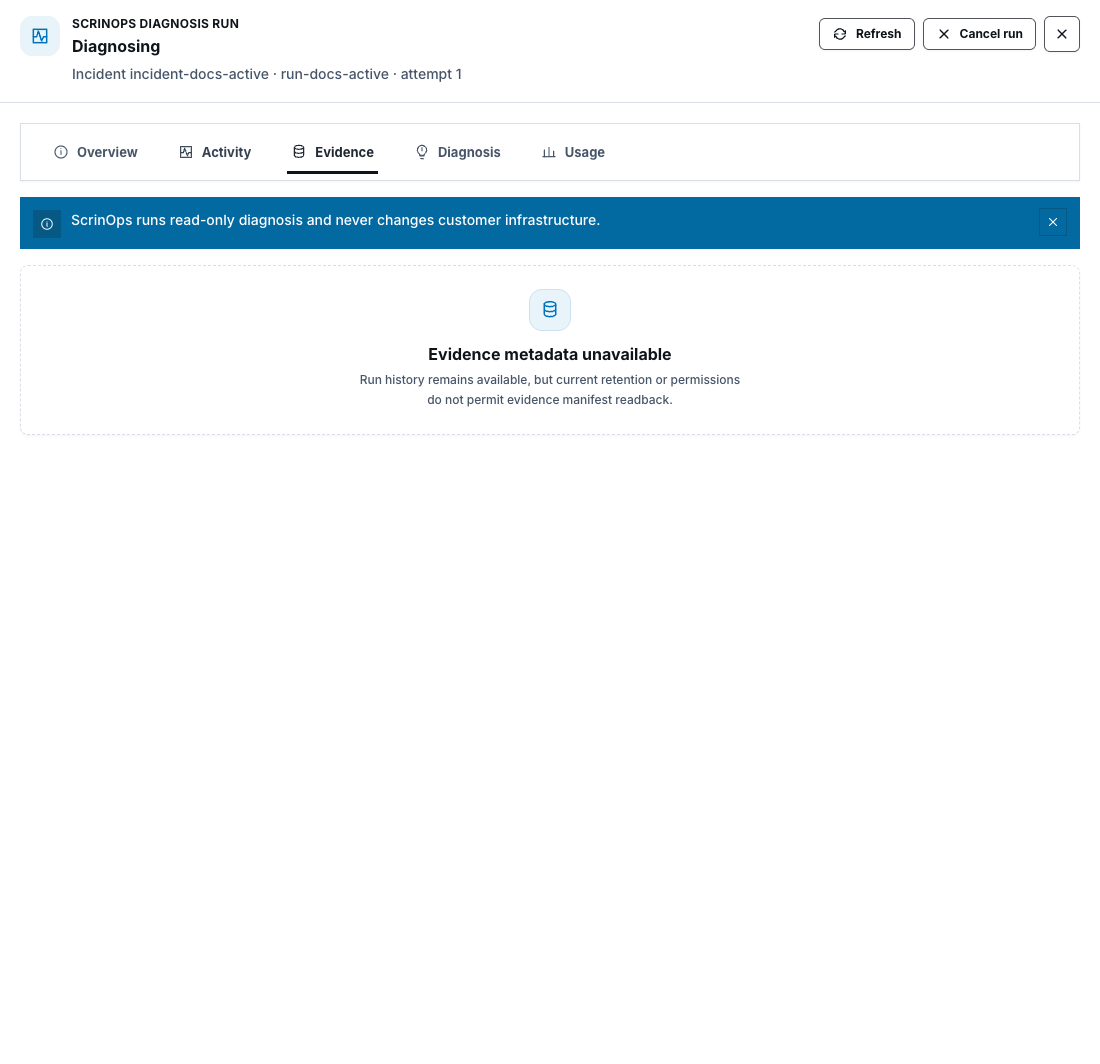
Expired or unavailable evidence remains visible as a lineage gap but cannot authorize a new action. Never substitute copied logs for a missing manifest.
Step 3: Read the Advisory summary
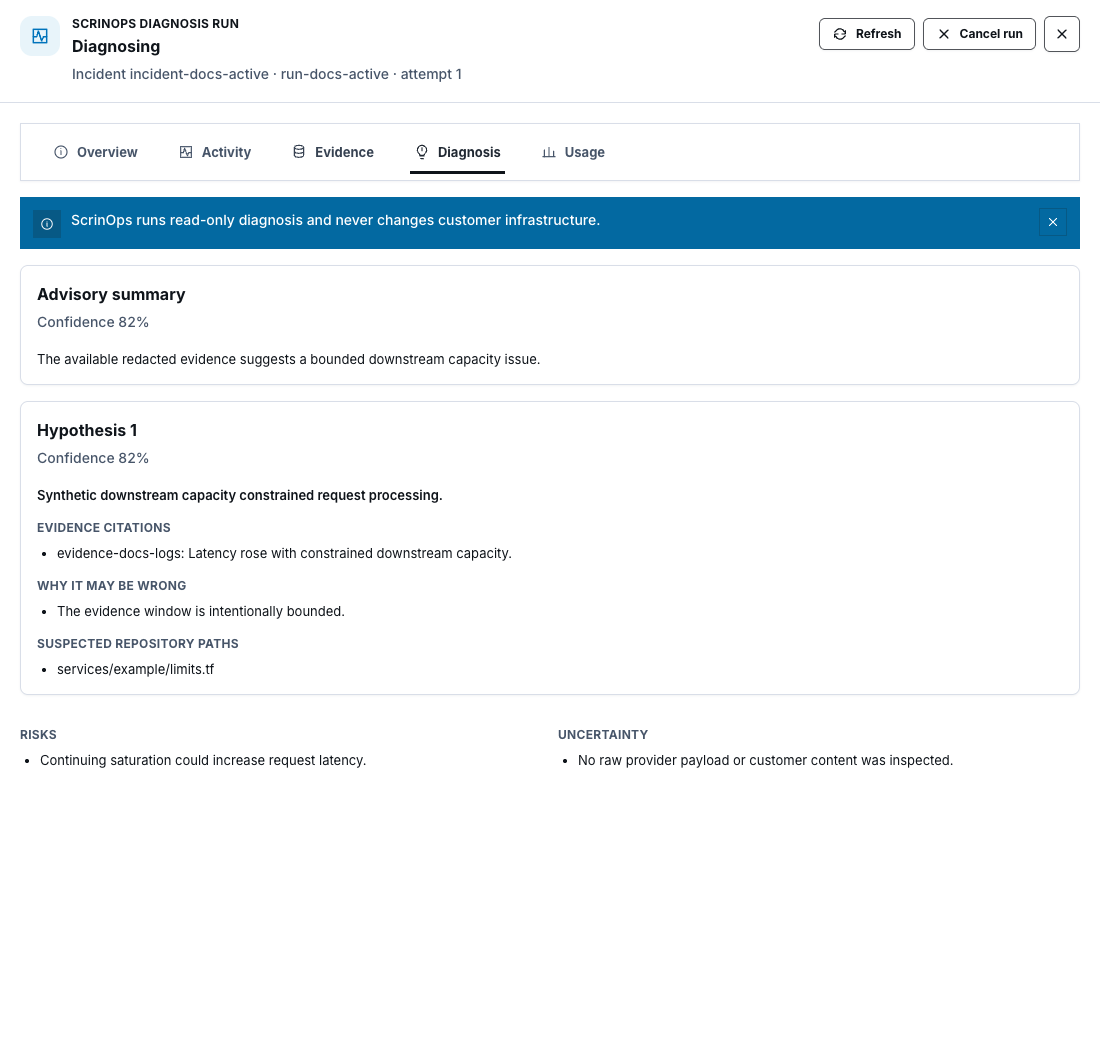
Section titled “Step 3: Read the Advisory summary”Select Diagnosis. Start with Advisory summary and its confidence value. Then inspect each hypothesis, not just the highest-confidence item.
Step 4: Challenge every hypothesis
Section titled “Step 4: Challenge every hypothesis”For each hypothesis, review:
- Evidence citations and the specific claim they support;
- Why it may be wrong;
- suspected repository paths, when repository context was authorized;
- Risks; and
- Uncertainty.
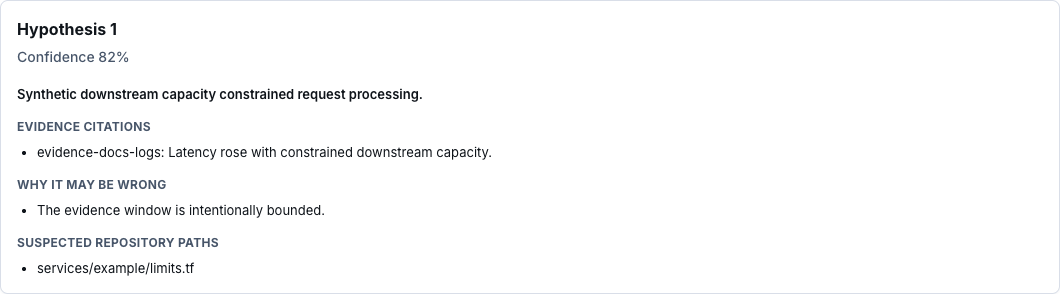
Evidence citation proves what the stored manifest supported at that time. It does not prove the hypothesis is correct or that remediation is safe.
Step 5: Review Usage
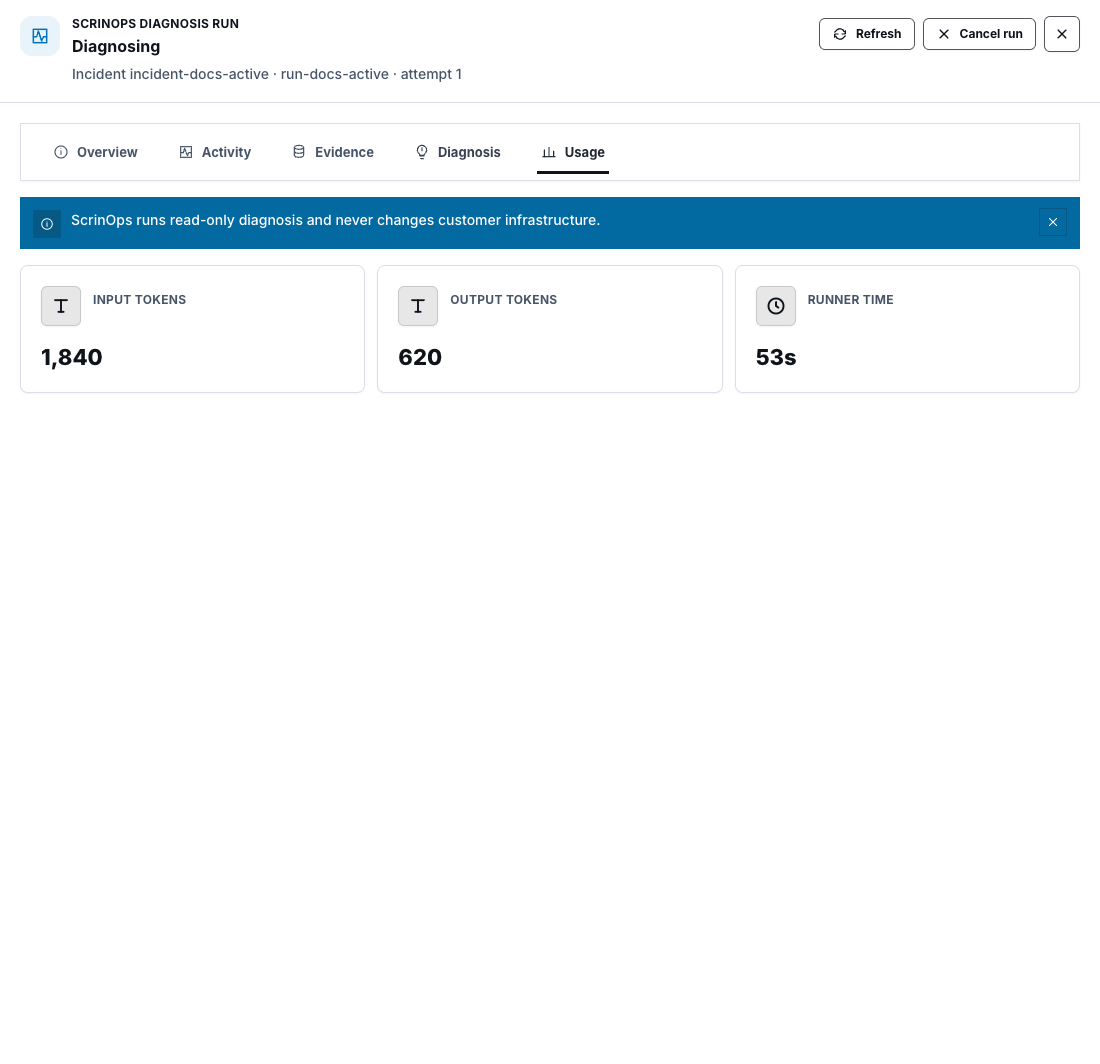
Section titled “Step 5: Review Usage”Select Usage to see backend-reported input tokens, output tokens, and runner time. These values support product usage accounting; they do not measure cloud remediation cost or prove diagnostic quality.
Check your result
Section titled “Check your result”You can explain which evidence supported each claim, what is missing or expired, why the diagnosis may be wrong, the material risks, and which human validation must happen next.
Common blockers
Section titled “Common blockers”- Diagnosis not available yet: only a successfully validated terminal run can store it.
- Evidence metadata unavailable: retention or permission prevents readback; do not invent lineage.
- Manifest expired: collect new authorized evidence and start a new run.
- Low confidence or high uncertainty: continue investigation outside automated diagnosis.
- Suspected path is shown: treat it as advisory context, not permission to modify or merge code.
Do not claim a diagnosis is live-tested because the page renders. Runtime proof requires the intended environment’s sanitized run and evidence records.