
Connect Azure DevOps
Azure DevOps uses Microsoft Entra ID authorization-code OAuth. It does not use the deprecated Azure DevOps OAuth registration flow or ask for a default personal access token.
- Typical time
- 10–15 minutes
- You need
- ScrinCloud admin and Entra consent
- Outcome
- A connected Azure DevOps owner
Step 1: Start Microsoft authorization
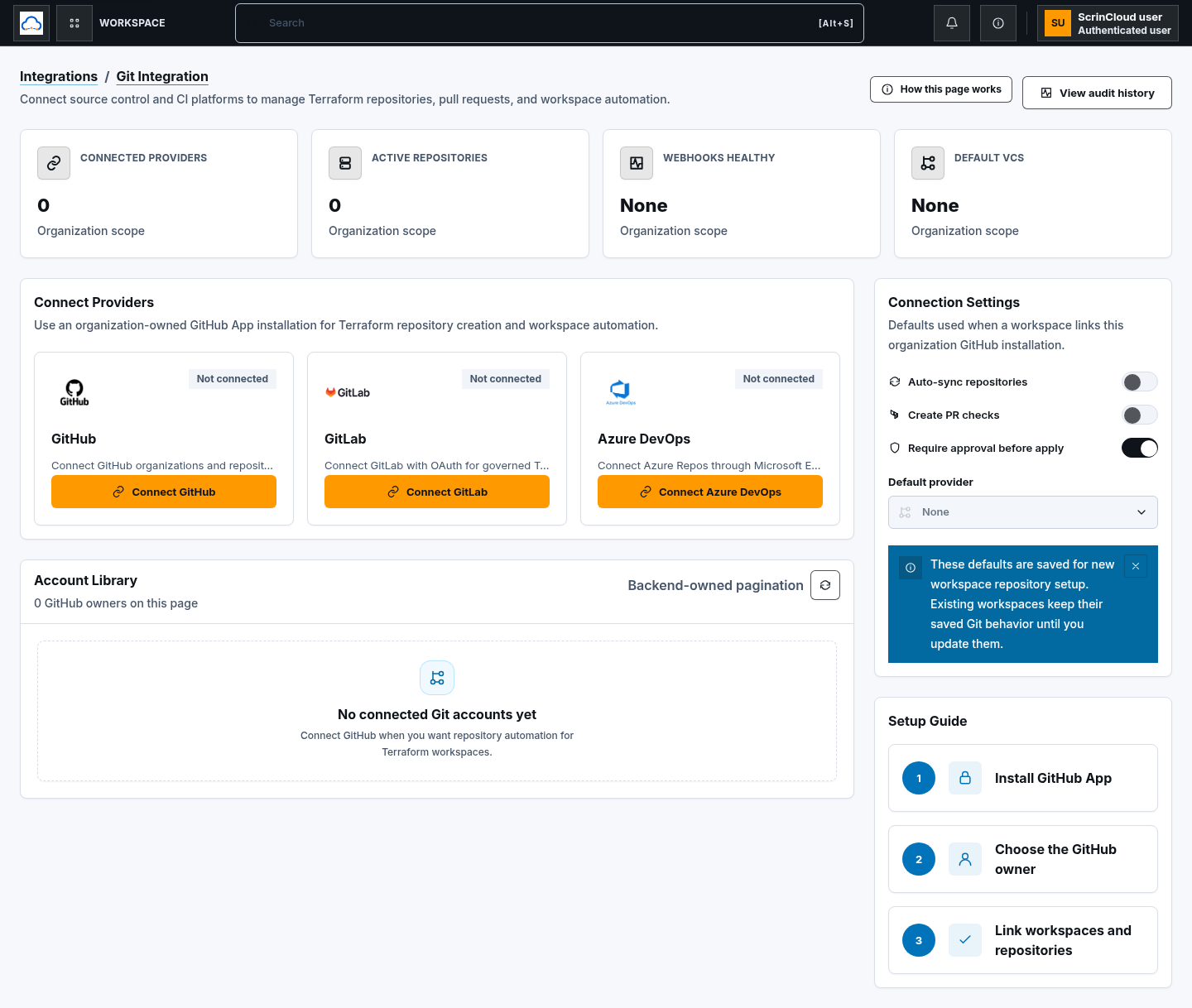
Section titled “Step 1: Start Microsoft authorization”Open Git Integration, find Azure DevOps, and choose Connect Azure DevOps. ScrinCloud opens the configured Microsoft Entra authorization flow.
Step 2: Approve the Entra application
Section titled “Step 2: Approve the Entra application”Sign in with the approved organizational identity and review the delegated permissions. Approve only the access needed for Azure Repos and governed repository workflows.
Never paste a personal access token, authorization code, state value, callback URL, or access token into ScrinCloud documentation or support messages.
Step 3: Return and verify
Section titled “Step 3: Return and verify”After Microsoft returns to ScrinCloud:
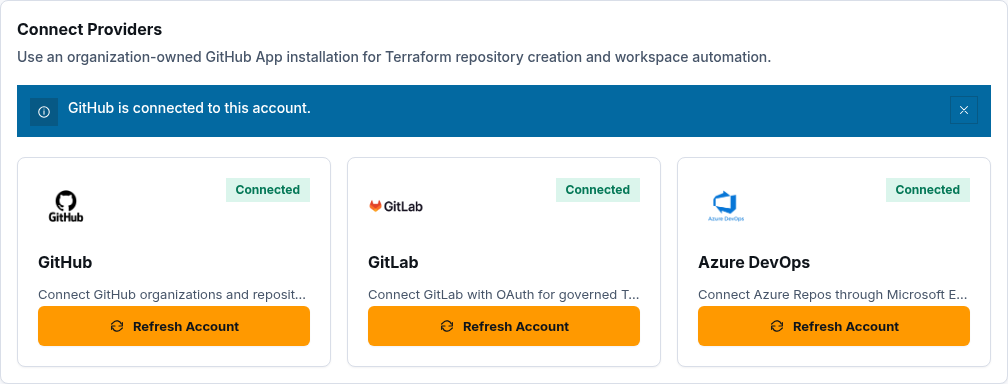
- confirm the Azure DevOps connection notice;
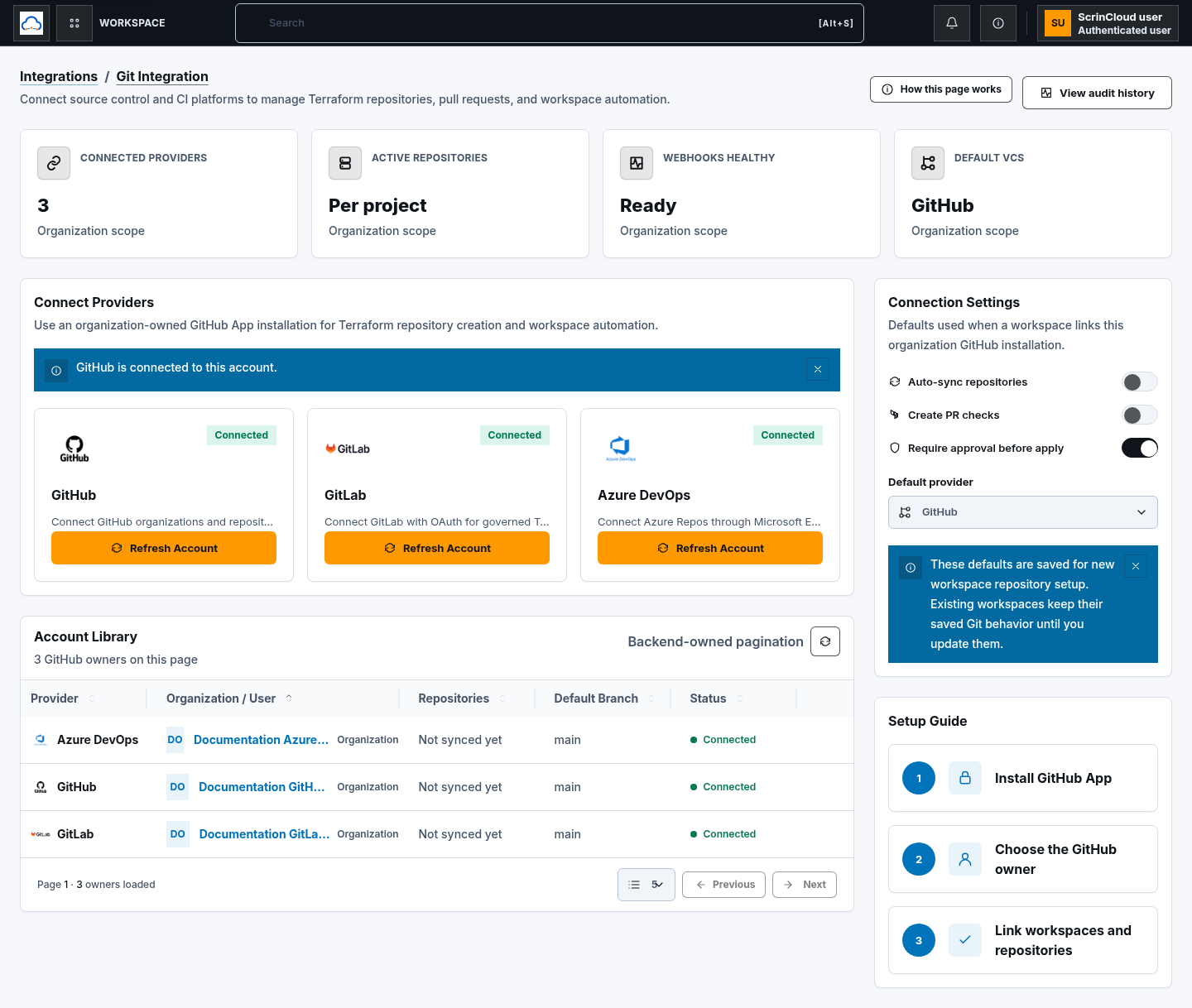
- find the intended owner in Connected Accounts;
- verify Connected status; and
- choose Refresh access.
Use Open Azure DevOps to review the organization and project in the provider when necessary.
Step 4: Apply organization defaults
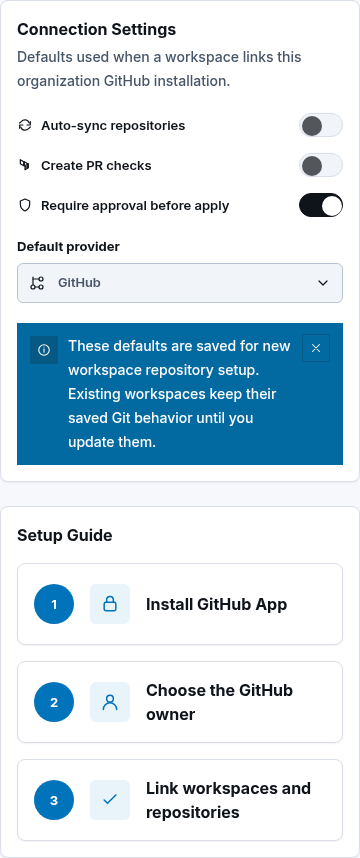
Section titled “Step 4: Apply organization defaults”Set Default provider to Azure DevOps only when new workspace repository setup should prefer it. Review Auto-sync repositories, Create PR checks, and Require approval before apply.
The current Create repository and Set as default owner row actions are GitHub-only. Azure DevOps connections support refresh, reconnect, disconnect, and governed workspace use.
Check your result
Section titled “Check your result”The Azure DevOps provider card and account row should show Connected, the expected organizational owner should be present, and refresh should complete without a consent or permission error.
Common blockers
Section titled “Common blockers”Admin consent is required
Section titled “Admin consent is required”Ask the Microsoft Entra administrator to review and approve the configured application permissions. Do not use a personal access token as a workaround.
The wrong organization or project appears
Section titled “The wrong organization or project appears”Confirm the connected Entra identity has access to the intended Azure DevOps organization and project, then refresh access.
Repository actions are unavailable
Section titled “Repository actions are unavailable”Azure DevOps repository creation and default-owner actions are not exposed on the current Git Integration account row. Use the approved provider-side or workspace workflow available to your organization.